HITBLOX Official & Wiki Links
Verified destinations for the game, studio group, and every major wiki hub.
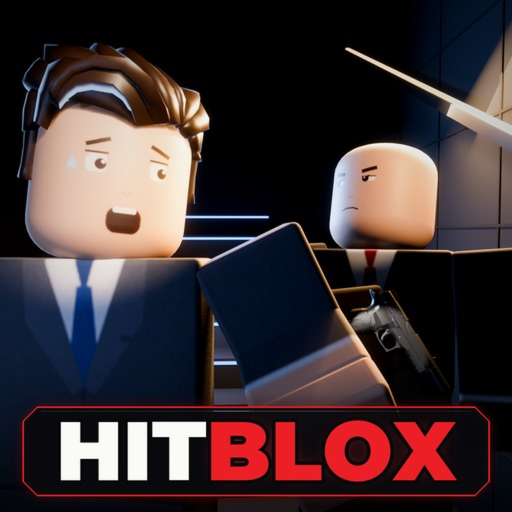
Use this Links Hub as the single bookmark for HITBLOX destinations. HITBLOX is a free Roblox FPS stealth assassin experience by Chaky Productions featuring contracts, disguises, accidents, Ghost rank, solo or crew play, and cash progression into gear and guns. We only list links we can verify. If a Discord, Trello, or social account is not confirmed, it stays off this page—no fake invites.
Official Roblox destinations
- Play HITBLOX: HITBLOX on Roblox — join servers, favorite the experience, and read the live description for studio announcements.
- Developer group: Chaky Productions community — primary place for group shouts, wall news, and community gathering around the studio’s games.
Universe ID for reference tooling: 10774632516. The experience launched 4 November 2026 and sits in the early UPD 2 era as of this writing.
This wiki — core hubs
Internal paths use trailing slashes and work across languages:
- Codes Hub — verified promo status (none public as of November 2026), redemption checklist, and watch channels.
- Scripts Hub — universal Hitblox-branded tools versus game-specific cheats, with safety and ban warnings.
- Tier List Hub — stealth ranking methodology for loadouts.
- Weapons & Gear Tier List — S–C placements for quiet tools, loud contingencies, and gadgets.
- Updates Hub — launch timeline and UPD 2 AI/alert habit changes.
- Players Hub — crews, co-op etiquette, and bug report guidance.
- Guides Hub — walkthrough index for deeper articles.
Essential guides
New players should finish Getting Started and How to Play before optimizing tiers or hunting codes.
What we intentionally omit
- Unverified Discord invites — until Chaky Productions publishes a studio-confirmed server, we will not invent one.
- Password “code generator” sites — they are scams; real promos never need your Roblox password.
- Random social clones — prefer the Roblox group and the official experience page.
- Executor storefronts — script risks belong on the Scripts Hub as warnings, not affiliate funnels.
How to suggest a new official link
If the studio adds a verified social, roadmap board, or support form:
- Confirm it is announced from the Roblox group or experience description.
- Note the exact URL and date you saw it.
- Prefer HTTPS Roblox or clearly branded studio domains.
We will add it here after a sanity check so crews on the Players Hub share the same destinations.
Quick orientation for returning players
After any patch, open Updates, skim the Chaky Productions shout, then re-check Tier List assumptions and your quiet-versus-loud kit on the weapons page. If promos drop, they land on Codes. Keep this Links Hub pinned so you never depend on an outdated screenshot in a group chat.
HITBLOX rewards patience and clean information. Official play links and honest wiki hubs beat rumor chains every time.
Frequently Asked Questions
Quick answers to the most common HITBLOX questions.
Where do I play HITBLOX?
Use the official Roblox experience page for HITBLOX (place linked above). Favorite it and join from there.
What is the official community group?
Chaky Productions on Roblox (community 498402413) is the studio group to watch for shouts and wall updates.
Why is there no Discord link?
This wiki does not list an official Discord until a studio-verified invite is confirmed. Fake invites are a common scam vector.
Is this wiki official?
No. It is an independent fan resource. For authoritative announcements, rely on the Roblox game page and Chaky Productions group.
Which wiki page should I open first?
New players should start with Getting Started and How to Play, then Codes, Tier List, Updates, and Players as needed.